Ahrefs guide
What is Ahrefs?
Ahrefs is a very comprehensive SEO tool. The tool gives you insights into your own SEO and that of your competitors. One of Ahrefs’ biggest assets is the Site Explorer, which allows you to view and compare the backlinks profile of websites.
What does Ahrefs cost?
Unlike many other SEO tools, Ahrefs is not free to use. They do give you the chance to test the tool for 7 days for a small fee.
Ahrefs offers 4 different plans and is currently working on a 5th. The price depends on the plan. You currently have a choice of Lite, Standard, Advanced, and Agency. The more expensive the plan, the more features you have, of course. Are you focusing on SEO for startups? Then you’ll probably have enough with one of the two cheapest plans. A large multinational, on the other hand, will benefit more from a more expensive package.
The prices for the plans (in US dollars) are as follows:
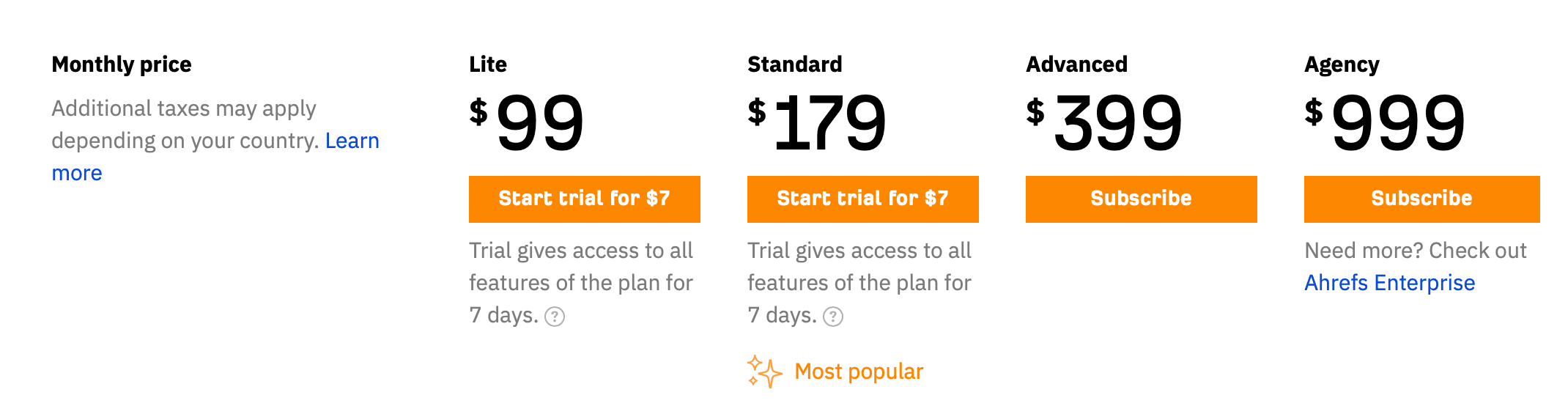
Ahrefs is still working on a new plan: Ahrefs Enterprise. This is a plan intended for really large companies, where you can add even more users to your team and get more personal support. Just a little longer to wait until it appears…
Tip: choose an annual payment and get two months for free.
What can I do with Ahrefs?
You can do an awful lot with Ahrefs. Some functions are easy to use, for others you need some knowledge. We’ll give you an overview of all functions, tools, and features and what you can use them for.
We’ll start with the most important tools Ahrefs has to offer. These are the following 5 tools:
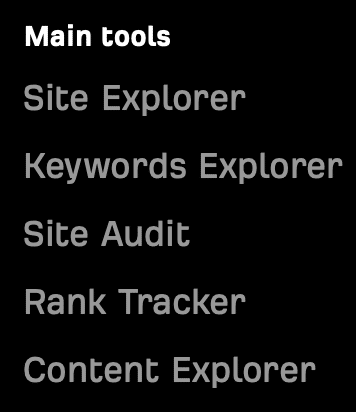
Site explorer
Ahrefs’ site explorer is a tool for competitor research. It is a combination of 3 SEO tools. It gives you insight into the organic traffic, paid traffic, and backlink profile of your competitors.
Check which keywords other websites rank for, which domains refer to them, which ads they have running, and so much more.
Keywords explorer
The keywords explorer is a high-quality tool for performing keyword research. You can do this for up to 10 different search engines. Because Google might be the biggest, but it’s not the only one.
Besides keyword ideas, you’ll also find relevant insights. What is the traffic potential for a search term? What is the keyword difficulty? You can find it all out with Ahrefs’ keyword explorer.
Site audit
The Ahrefs site audit is a cloud-based tool that gives you insights into your on-page SEO performance. Ahrefs crawls your website and checks for more than 100 SEO issues. Choose for yourself whether you want to check the desktop or mobile version and track your progress by comparing different crawls.
Rank tracker
With the rank tracker, you keep an eye on your position in the search results and easily compare your own performance with that of your competitors. You can also find data for SERP features like rich snippets. You’ll also find information about your search terms, such as the cost per click.
Content explorer
Ahrefs’ content explorer analyzes content within your field. This way, you can quickly find the best-performing articles for a topic and see, among other things, the domain rating and the number of referring domains. You can also use search operators to refine your search. Even unlinked mentions of your domain can be quickly tracked down with the content explorer.
Free SEO tools
While Ahrefs is a paid tool, they have made a number of free SEO tools available on their website for website owners who don’t have a budget for a professional SEO tool. These free tools are also very high quality, but have less extensive functions and a more limited data limit compared to the Ahrefs plans. For example, with some tools, you’ll only be able to perform a limited number of searches.
These are all of Ahrefs’ free SEO tools:
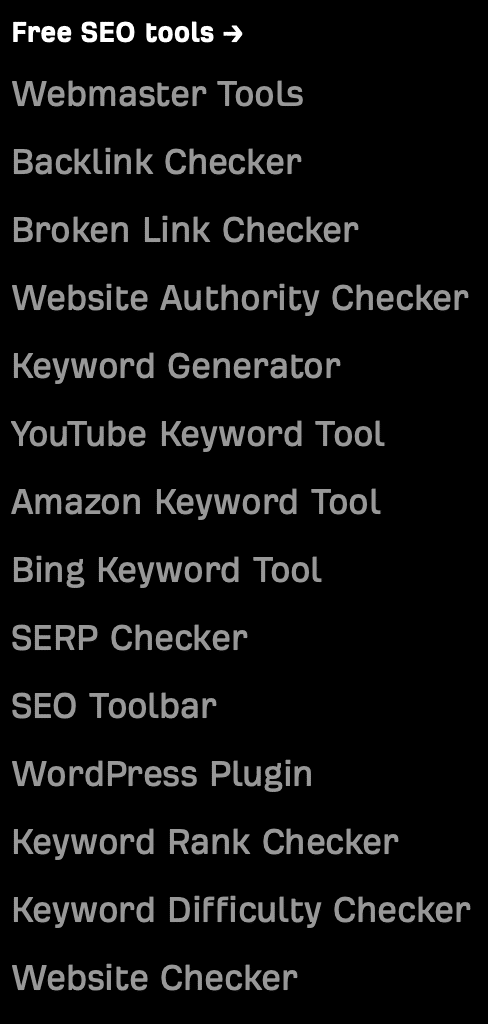
Webmaster tools
The webmaster tools give you free limited access to Ahrefs’ site explorer and site audit. To use the webmaster tools, you do need to create an account and verify your website. So you can’t use the tool if you’re not the owner of the website you want information about.
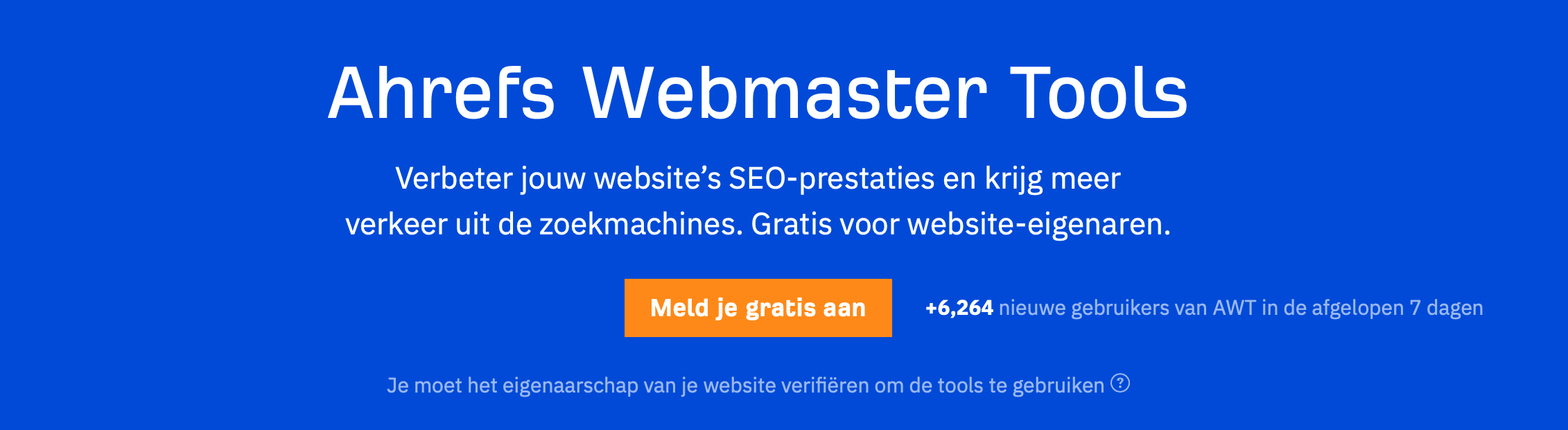
This gives you information such as the SEO health of your website, the search terms you rank with, and your website’s backlink data. You can see this tool as a supplement to the Google Search Console.
Backlink checker
With the free version of the backlink checker, you can already get a taste of this premium tool. You get an overview of, among other things, the number of referring domains, the number of backlinks, the domain rating, URL rating, and Ahrefs Rank. With the backlink checker, you can also find out which pages are linked to the most and find a clear overview of all your outgoing links.

Broken link checker
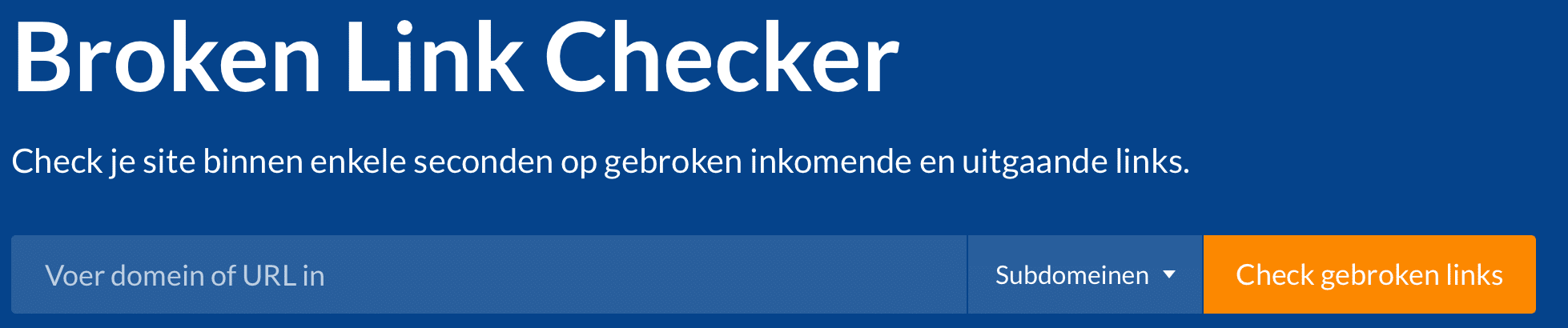
The broken link checker is a free tool from Ahrefs to detect incoming and outgoing broken links. It’s important that you fix or redirect broken and dead links so that crawl bots can move smoothly through your website.
Website authority checker
The website authority checker gives your website a score between 0 and 100. The higher this number, the stronger your domain stands. Ahrefs does this based on its own figure for website authority, namely the Domain Rating (DR).
Keyword generator
With the keyword generator, you can get keyword ideas. To start, choose which search engine you want to use: Google, Bing, YouTube, or Amazon. Enter a search term, select the right country, and start searching.
You’ll then get useful SEO statistics in addition to the standard keyword ideas. Ahrefs gives you short and long tail keywords, keywords you can easily rank for, and insights into the competition.
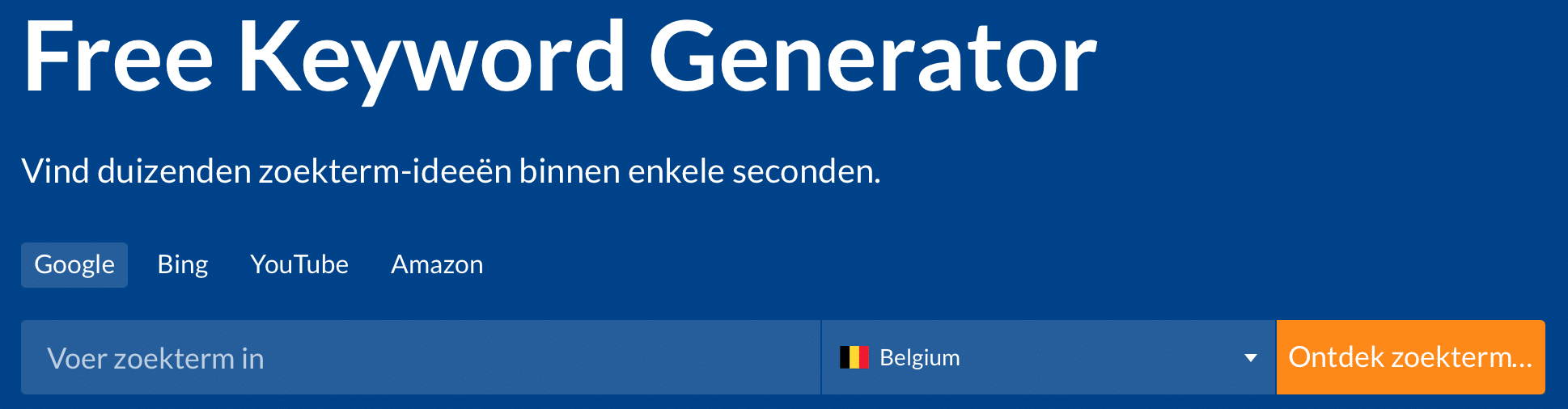
On the Ahrefs website, you’ll also find links to the YouTube keyword tool, Amazon keyword tool, and Bing keyword tool. These 3 tools work the same as when you select the respective search engine in the Keyword generator.
SERP checker
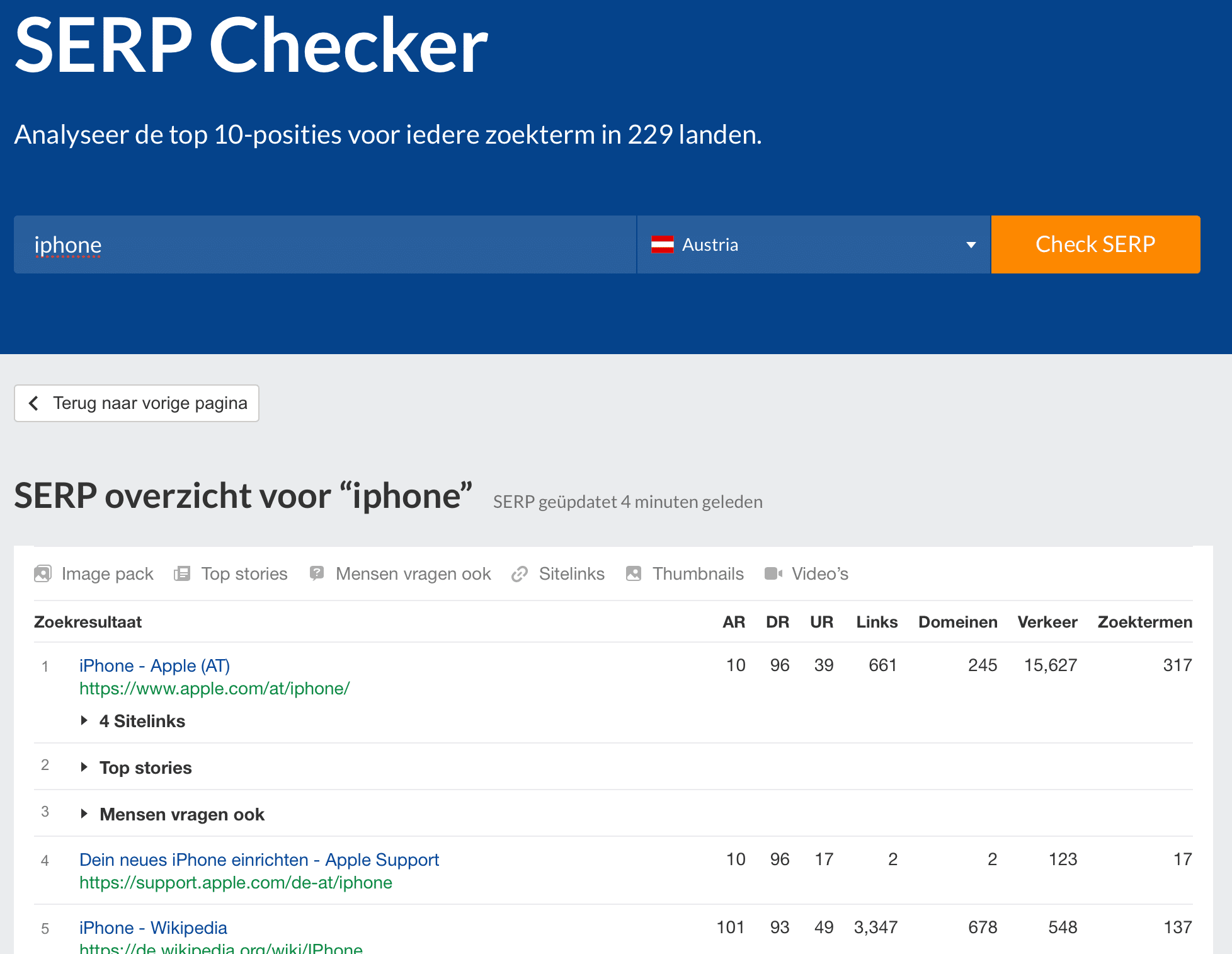
With this tool, you can view the top 10 results for a search term in different countries. In the example below, we looked at the SERP for the keyword ‘iphone’ in Austria.
SEO toolbar
Ahrefs has its own SEO toolbar that you can install in Google Chrome and Mozilla Firefox. It’s a free extension that gives you all kinds of valuable SEO information. As a free user, you can find an on-page SEO report, a broken link checker, the SERP position… Ahrefs users can see even more extensive information with the toolbar.
Tip: also download our free Digital Climax SEO Tool extension, which tells you everything about every online page.
WordPress plugin
In addition to its own toolbar, Ahrefs also has its own WordPress plugin. So if you’re a WordPress user, this plugin might be handy. You can see it as a supplement to other SEO plugins, as this plugin mainly focuses on Ahrefs’ features. You can download this plugin for free.
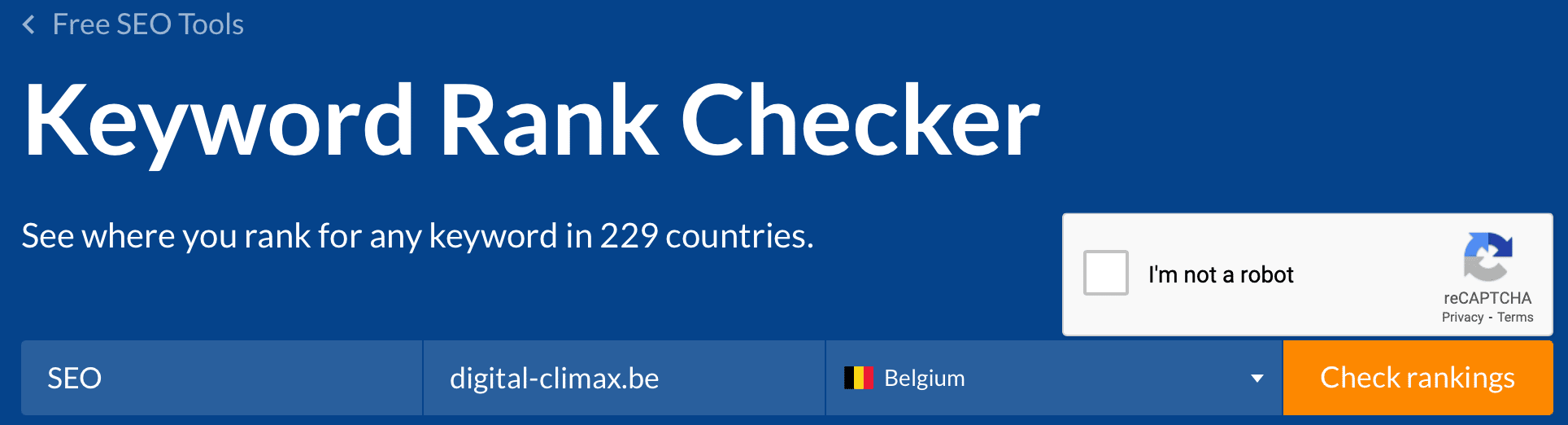
Keyword rank checker
With the keyword rank checker, you can check which position you rank in for a certain keyword. In addition to the position, you’ll also find the search volume, the keyword difficulty, the estimated organic traffic, and the ranking URL.
Keyword difficulty checker
With this, you discover how easy or difficult it is to appear in the top 10 results for a certain keyword. The difficulty level is indicated with a number from 0 to 100. A score between 0 and 10 means it’s very easy to rank for this keyword. Between 11 and 30, the difficulty is average, from 31 to 70 difficult. A keyword with a score between 71 and 100 is extremely difficult to rank for.
Website checker
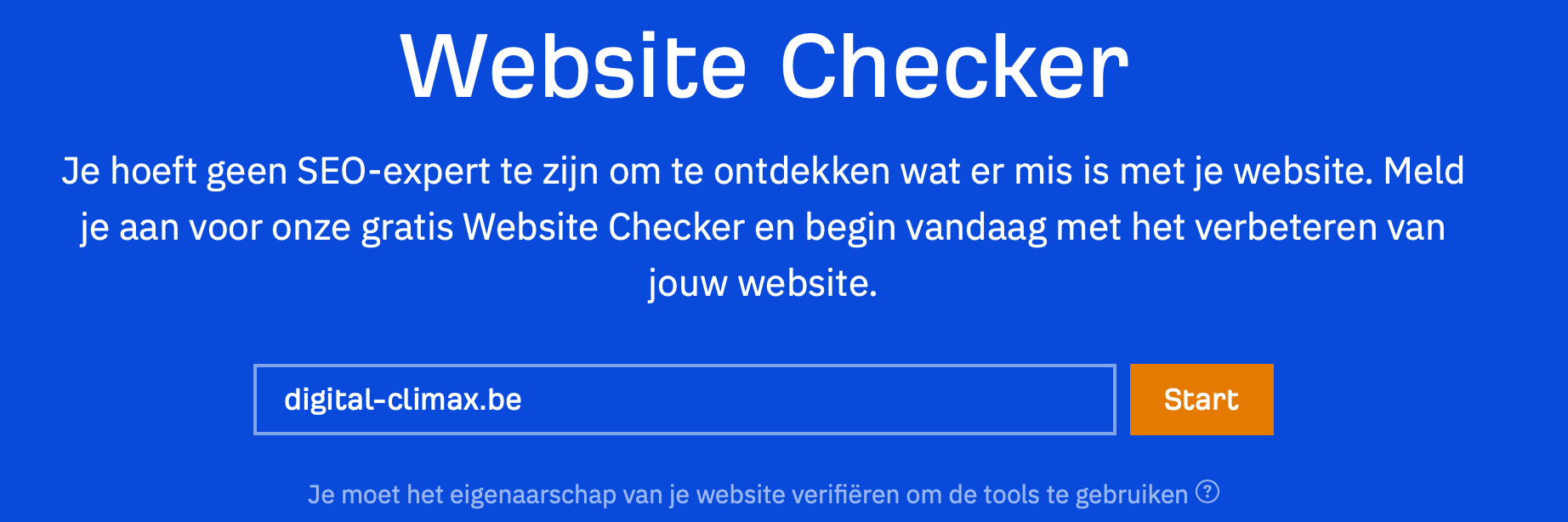
The Ahrefs website checker is part of the webmaster tools. This tool checks your website for SEO errors, technical issues, performance problems, and gives you an overall health score.
Extra tools & features
Ahrefs has a number of extra tools and features. Most of them are also covered by an Ahrefs plan. But you can, for example, use the SEO checker and the word count function just like that.
SEO checker
This tool also falls under Ahrefs’ webmaster tools. With it, Ahrefs gives you an overview of your website’s SEO performance. So you can’t use the tool to see the performance of other websites that you don’t manage.
Word count
The word count tool is a free tool that tells you how many words and characters a text contains. You can either paste a full text into it or the URL where the text is located.
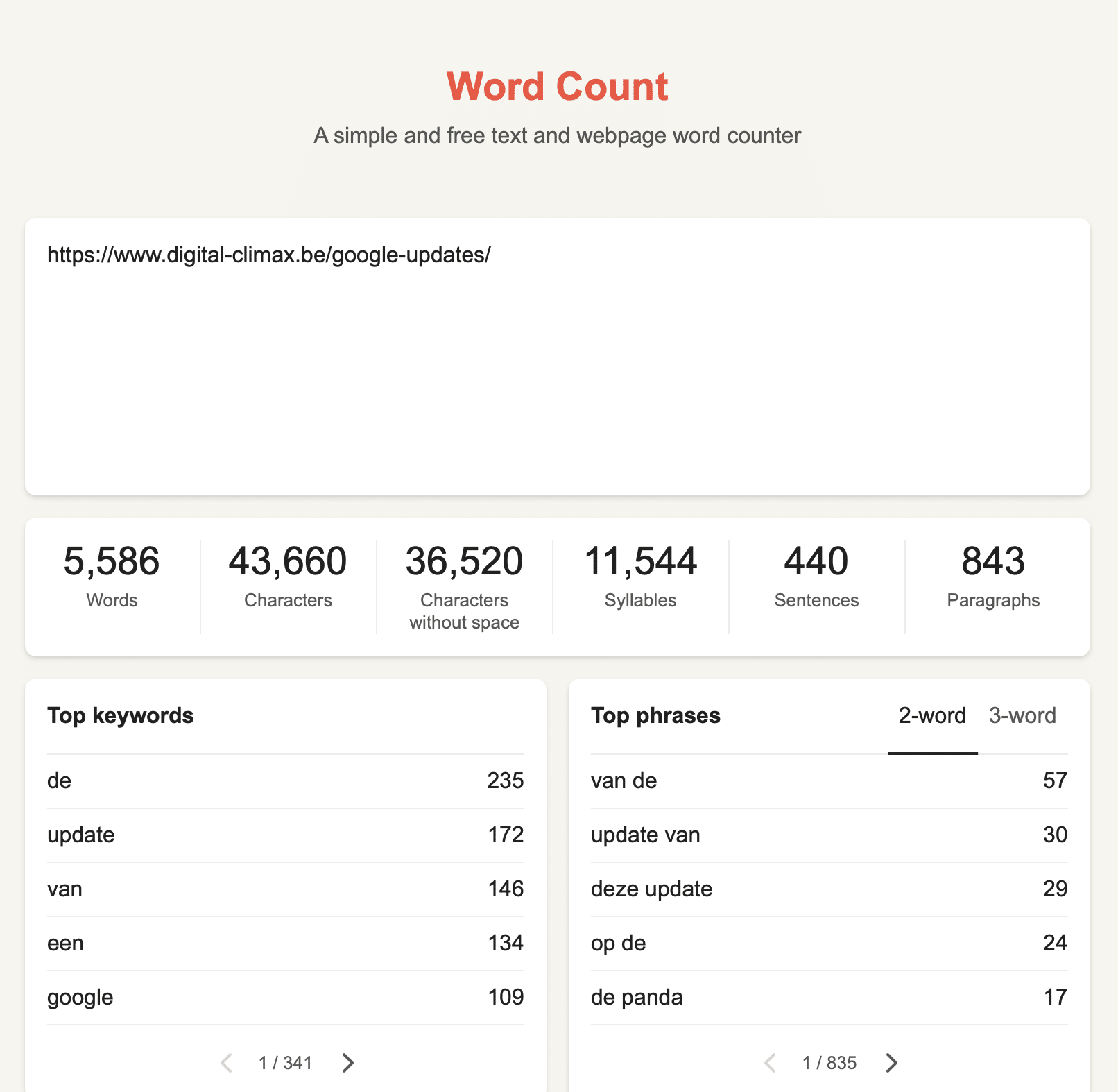
Small side note: the “top keywords” and “top phrases” sections aren’t always relevant. They only count how often a certain word or word combination occurs in the text. Words like “the”, “it”, and “a” will often appear there, for example, but those are obviously not keywords you’re targeting.
What are the benefits of Ahrefs?
You’ve probably noticed that Ahrefs is very comprehensive. So there’s benefit number one already. Let’s list all the benefits for you:
- It’s the most comprehensive SEO tool at the moment, with features that other SEO tools don’t have (yet).
- The data is up to date and correct.
- It’s the SEO tool with the largest database.
- Ahrefs looks beyond just Google: YouTube, Amazon, Bing, … are not forgotten either
- Ahrefs is a very good tool to get insight into yourself and your competition.
- Overall, Ahrefs is easy to use.
What are the downsides of Ahrefs?
Let’s take a look at the downsides of this high-quality tool.
- The tool is expensive if you take out a plan. For large companies, this is obviously not so bad, but for a starter, it can be quite a sum.
- The free features Ahrefs offers are, of course, limited.
- For some parts, you already need some (SEO) knowledge.
Ahrefs, worth the investment?
An Ahrefs plan costs quite a bit of money. Is it worth the investment? For companies, it’s definitely worth setting aside a budget for this. For personal use, it’s probably cheaper and easier to use a free SEO tool; luckily, there are a lot of tools you can use (mostly) for free. And don’t forget Ahrefs’ free features, of course!